Availability Dashboard
The Availability Dashboard is a dashboard that transforms Excel reports into an interactive experience to improve flexibility in tracking and managing project outages for internal teams.
Company
Altus Power
Role
UI/UX Designer
Timeline
Summer 2025

CONTEXT
Altus Power is a clean energy company that provides scalar solar energy for houses, businesses, and communities.
I worked with the senior designer, product manager, and multiple stakeholders to build a dashboard that engaged with multiple layers of crucial portfolio information.
PROBLEM
Internal teams felt managing reports was outdated and disorganized. The reports are created on a weekly basis and live in scattered Box files instead of one trustworthy surface… how could we improve this experience?

RESEARCH
I analyzed the weekly reports, consulted Power BIs, and interviewed stakeholders to understand and fill gaps in spaces that Excel couldn't. Here were my insights:
👩💻
MULTIPLE USERS = MULTIPLE USE[S]
Multiple internal teams (engineering, C-suite, etc) use these reports to manage portfolio information, but those details differ team to team.
🔎
ONE SITE ≠ ONE ISSUE
Projects are location based, meaning that one site can have multiple projects, with multiple issues. How do we organize and present this information?
🖼️
BIG PICTURE? SMALLER DETAILS?
Stakeholders found it valuable to view both the details and the ways they reflected the overall performance (revenue and energy) of the portfolio.
DESIGN GOALS
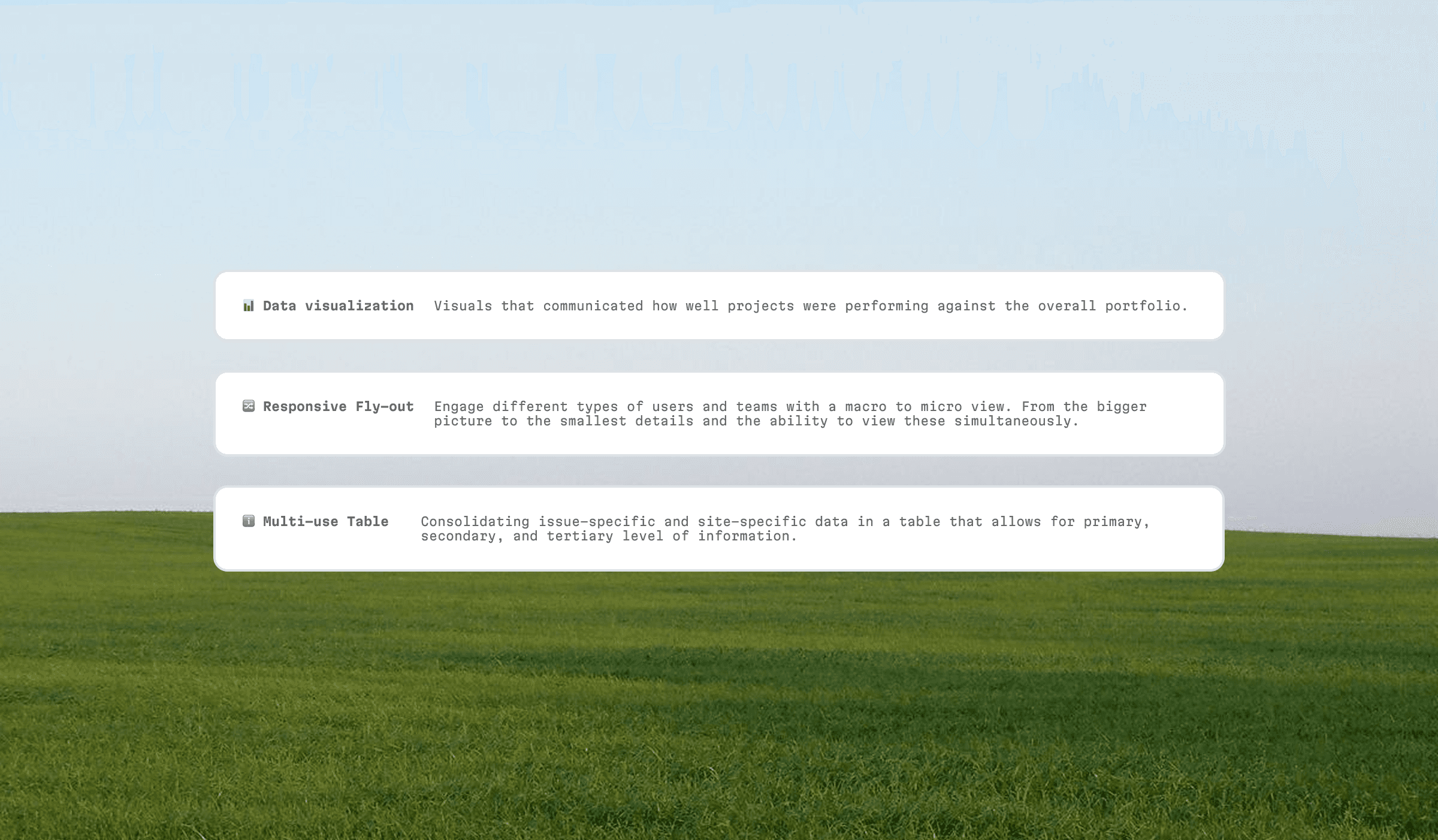
SOLUTION
The main user flow of the Availability Dashboard, taking users through an overview of the weekly report into a deeper, detailed view of each project.

OUTCOME
Over
Multiple internal teams (accounting, engineering, energy optimization, C-suite, etc) will transition from Excel to the Availability Dashboard, looking to be implemented and live from October - September 2025.
REFLECTION
This was my first time working with a data-heavy dashboard, so it was a massive learning curve, but one that was very rewarding. Working with a creative and talented design team was incredibly valuable and taught me what type of designer I am & the type of products I like to build.
THE BALANCE OF FORM & FUNCTION
Learning to balance both form and function, specifically when to sacrifice, if needed, on one or the other.
TECHNICAL CONSTRAINTS ARE PLEASANT CHALLENGES
Constraints are breeding grounds for ideas. It allowed me to introduce new design patterns to the system.
PIXEL PERFECTION IS DESIGN'S ENEMY
Striving for perfection is impossible and unproductive. There are many times you'll need to compromise, and that's okay.